
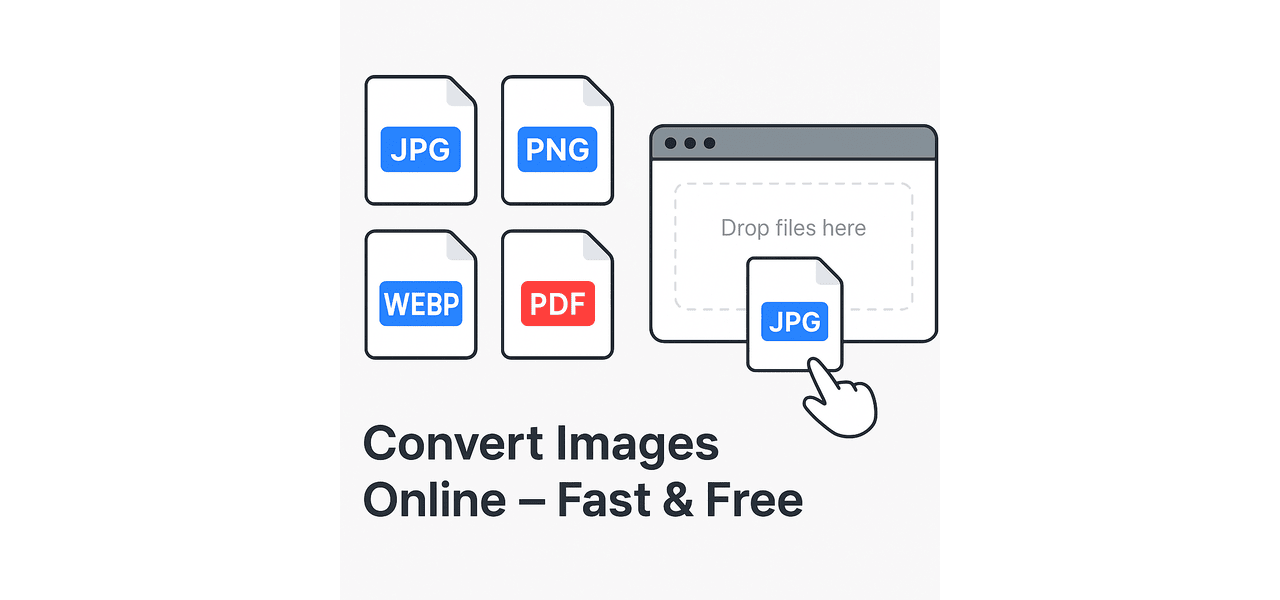
Managing images in various file formats can often be a hassle, especially when you’re working across devices or preparing files for web, print, or email. ShailStack’s Online Image Converter provides a quick, clean, and completely web-based solution for converting your images between popular formats like PNG, JPG, WebP, and PDF.
This tool is built for simplicity—no sign-ups, no software installation, and no ads getting in your way. Whether you’re a student preparing images for a project, a designer needing transparent PNGs, or someone simply looking to convert a photo into PDF for sharing, this converter handles it all in a few easy steps.
Why Use the ShailStack Image Converter?
This tool offers several advantages that make it perfect for everyday image conversion tasks:
- Completely Free to Use – No hidden fees or subscriptions
- Instant Access – Start converting without creating an account
- Multiple Format Support – PNG, JPG, WebP, and PDF conversions
- Privacy-Friendly – Files are not stored permanently on the server
- Mobile & Desktop Friendly – Works smoothly on any device or browser
Simple Steps to Convert Your Image
Using the ShailStack converter is extremely straightforward. Here’s how it works:
- Open the tool on ShailStack’s website
- Upload your image file (PNG, JPG, WebP, etc.)
- Choose the format you want to convert it to
- Click the “Convert” button
- Download your converted file instantly
No technical knowledge is needed. Everything is handled right in your browser.
When and Why to Convert Image Formats?
Different formats serve different purposes. Here’s a quick guide:
- JPG/JPEG – Best for smaller size and sharing on social platforms
- PNG – Ideal for maintaining image transparency and sharper edges
- WebP – Great for websites due to smaller size with good quality
- PDF – Useful for printing or bundling multiple images together
Final Thoughts
ShailStack’s Online Image Converter focuses on what matters most: speed, simplicity, and security. It eliminates the need for heavy software, avoids unnecessary steps, and gets your job done within seconds. Whether you’re a professional or casual user, this tool is a reliable addition to your digital toolkit.
👉 Try it now and experience smooth, fast, and secure image conversion online.